Free AI Pose Changer
Change a person’s position or pose in a photo.
Free AI pose changer online — change pose in a photo with a preset or text prompt. Create a free account and use your starter credits online.
Change the pose, not the whole photo
An AI pose editor lets you change body position in an existing photo without scheduling another shoot. PoseUp works as a pose generator from a photo: upload one clear portrait, choose a preset or describe a new stance, and generate a revised image designed to keep the person, clothing, and setting recognizable while changing the pose.
A position change can mean changing how a person stands or sits; pose describes the arrangement of their body and limbs. For this tool, both refer to adjusting the person’s posture in an existing photo. Upload a photo, then choose a pose preset or describe the position you want to generate. Upload a photo to change its pose.
- What changes
- Body position, limb placement, posture, and the stance described by your selected preset or text prompt.
- Designed to preserve
- The subject's recognizable identity, clothing, and original background whenever the requested movement allows it.
Get a cleaner first result
- Use one clear, well-lit photo where the subject's body and limbs are visible.
- Choose a pose preset or describe the new position in a short, specific prompt.
- Each run returns one generated image that you can compare with the original before downloading.
Large changes, hidden limbs, crossed hands, or cropped bodies can produce inconsistent details. If the face, clothing, background, or hands drift, try a smaller pose change or upload a clearer photo.
How It Works
Our AI analyzes human body posture and intelligently transforms it into more attractive poses, achieving ideal photo effects without retaking shots.
Upload Photo
Select a clear photo where one person's body and limbs are visible.
AI Pose Analysis
Our AI algorithms analyze existing poses and intelligently generate more elegant posture solutions.
Pose Transformation
Download your pose-transformed photo and experience the amazing effects brought by AI.
See the Magic in Action
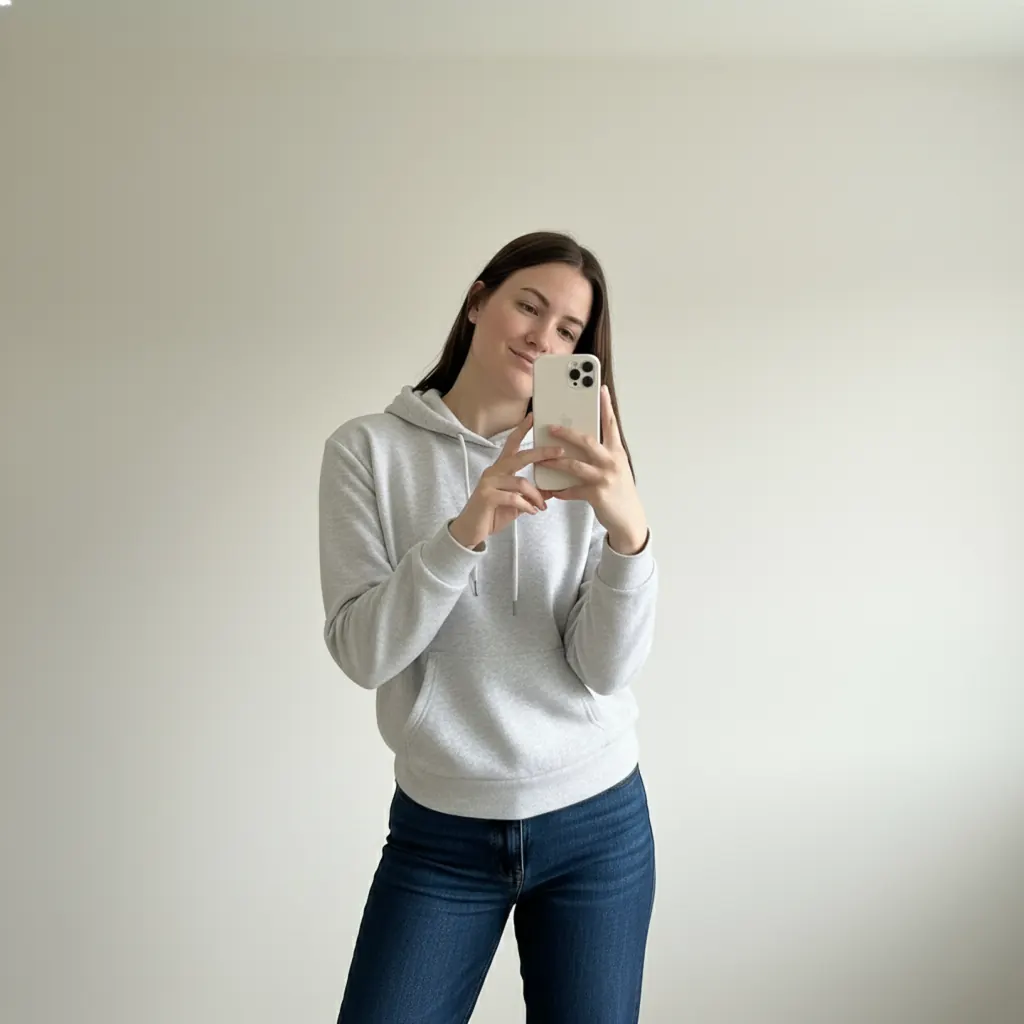
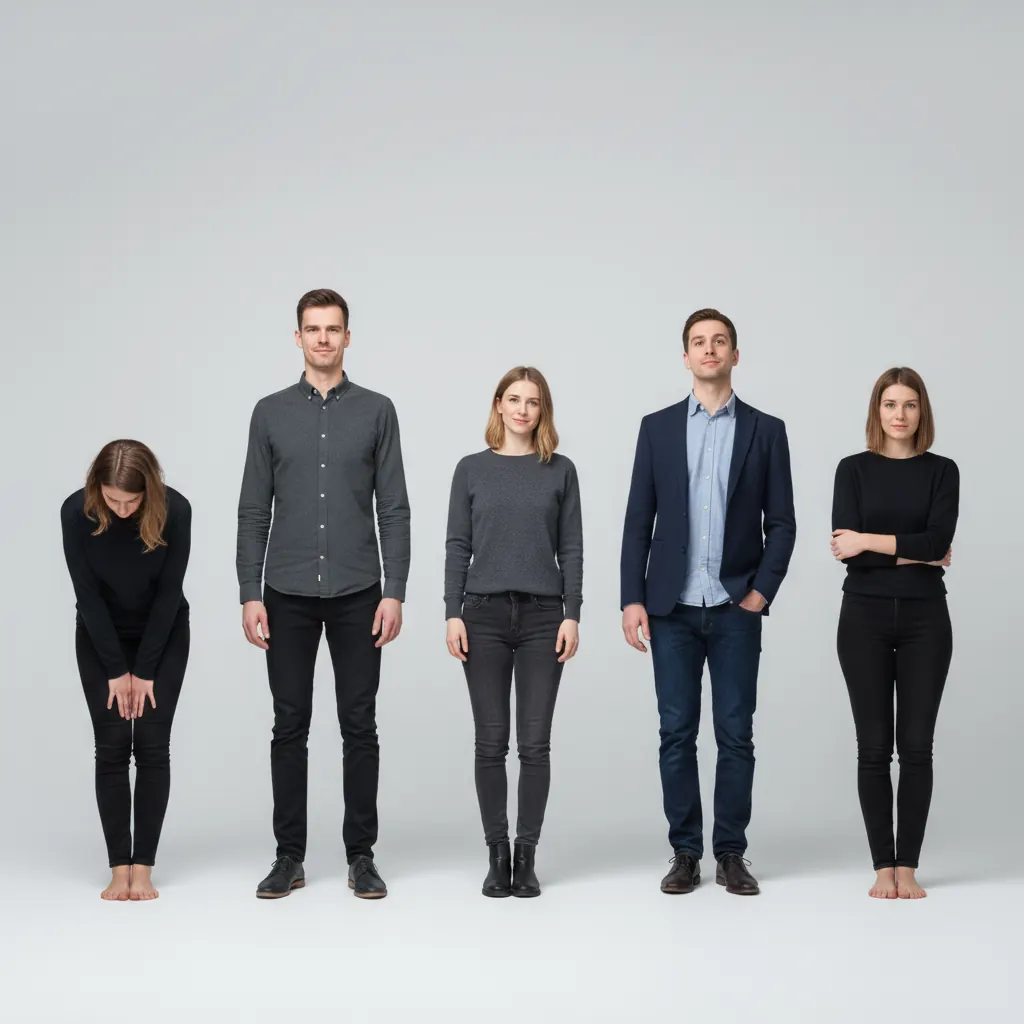
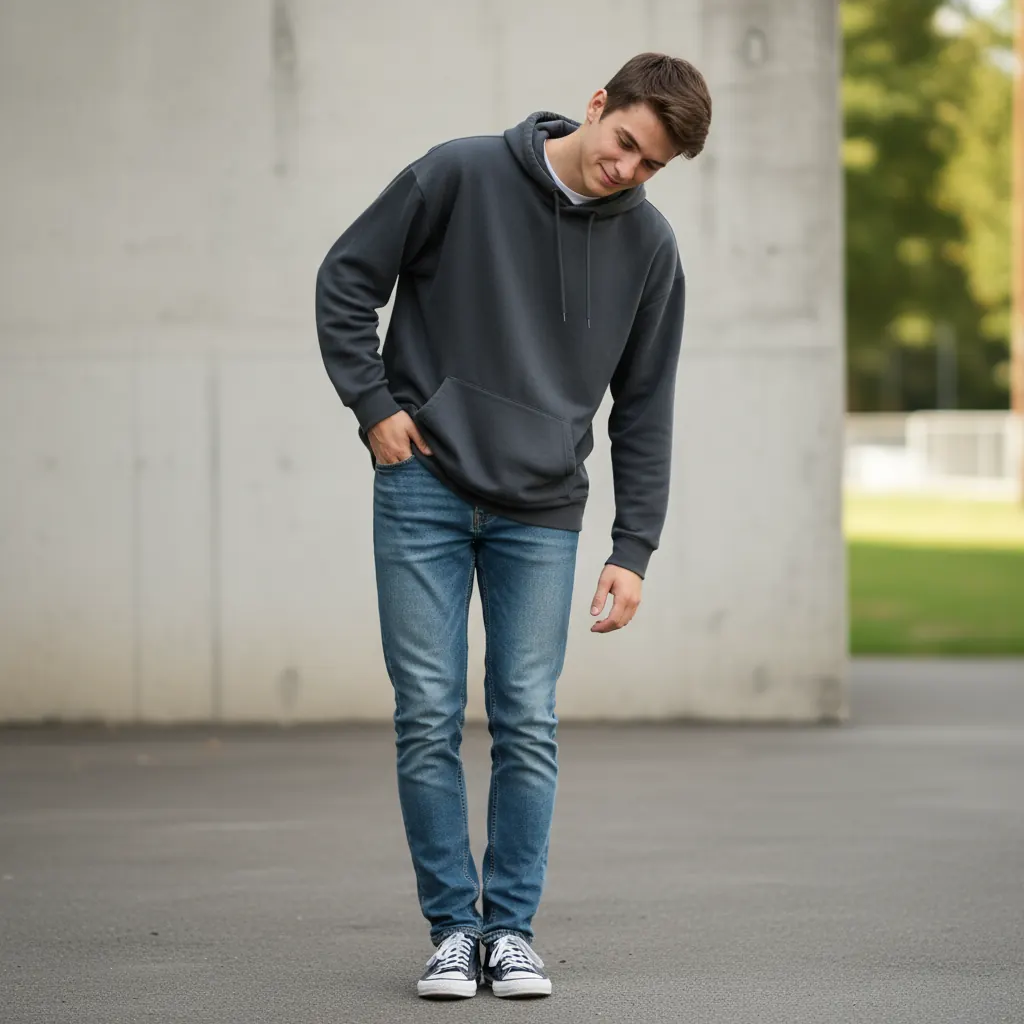
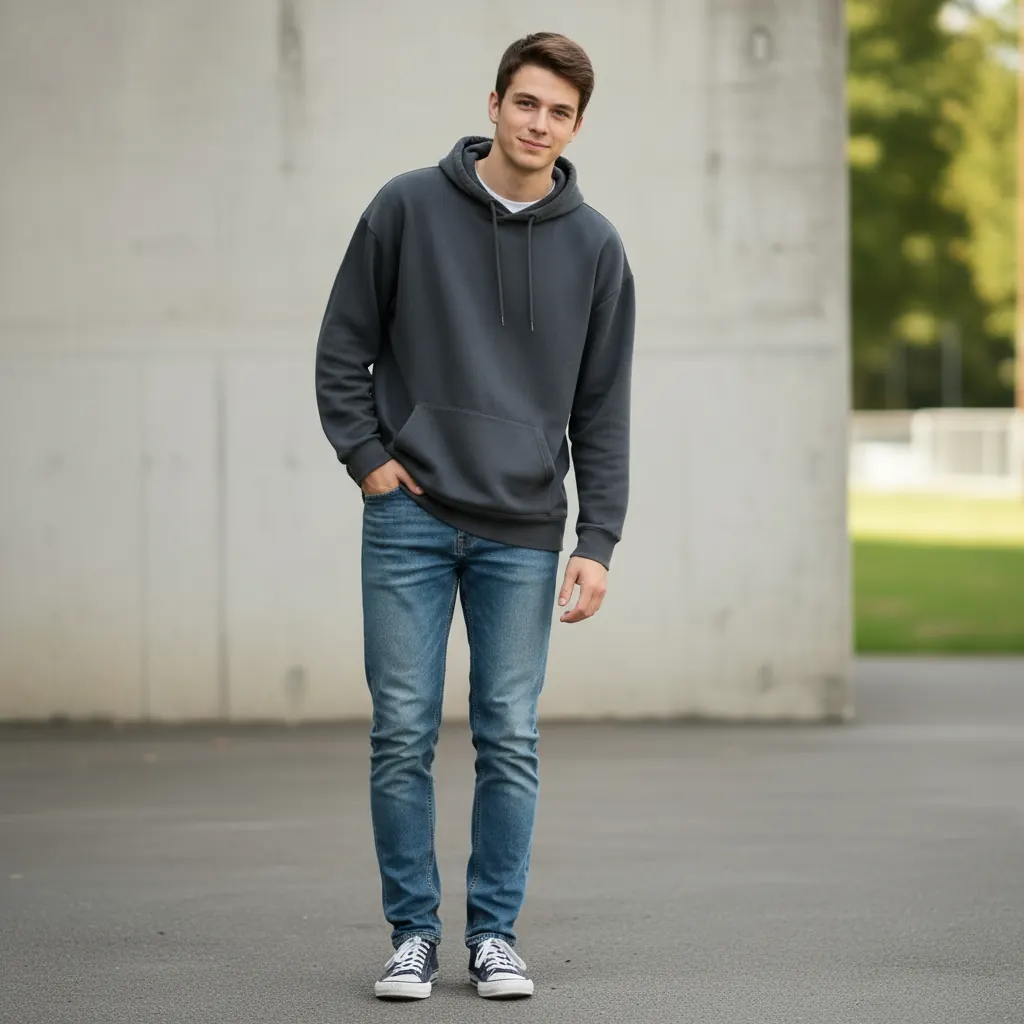
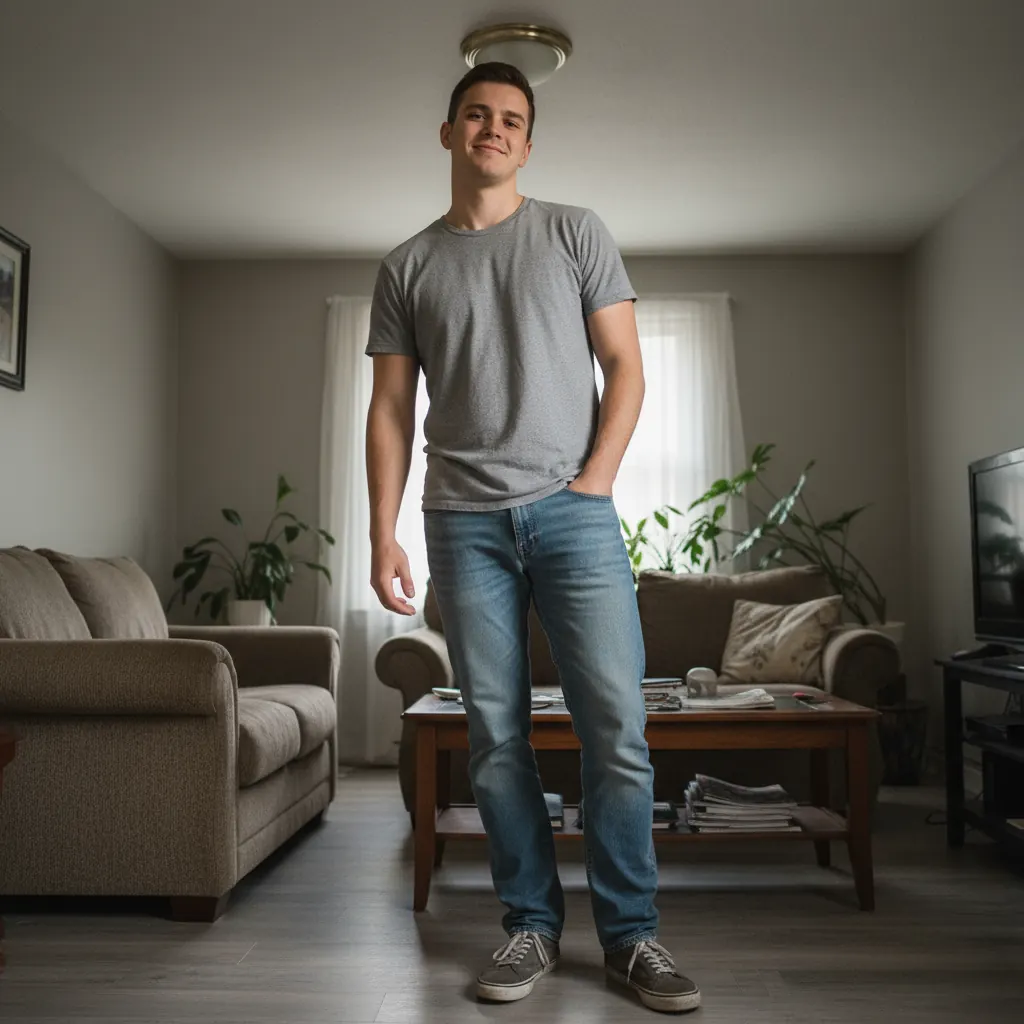
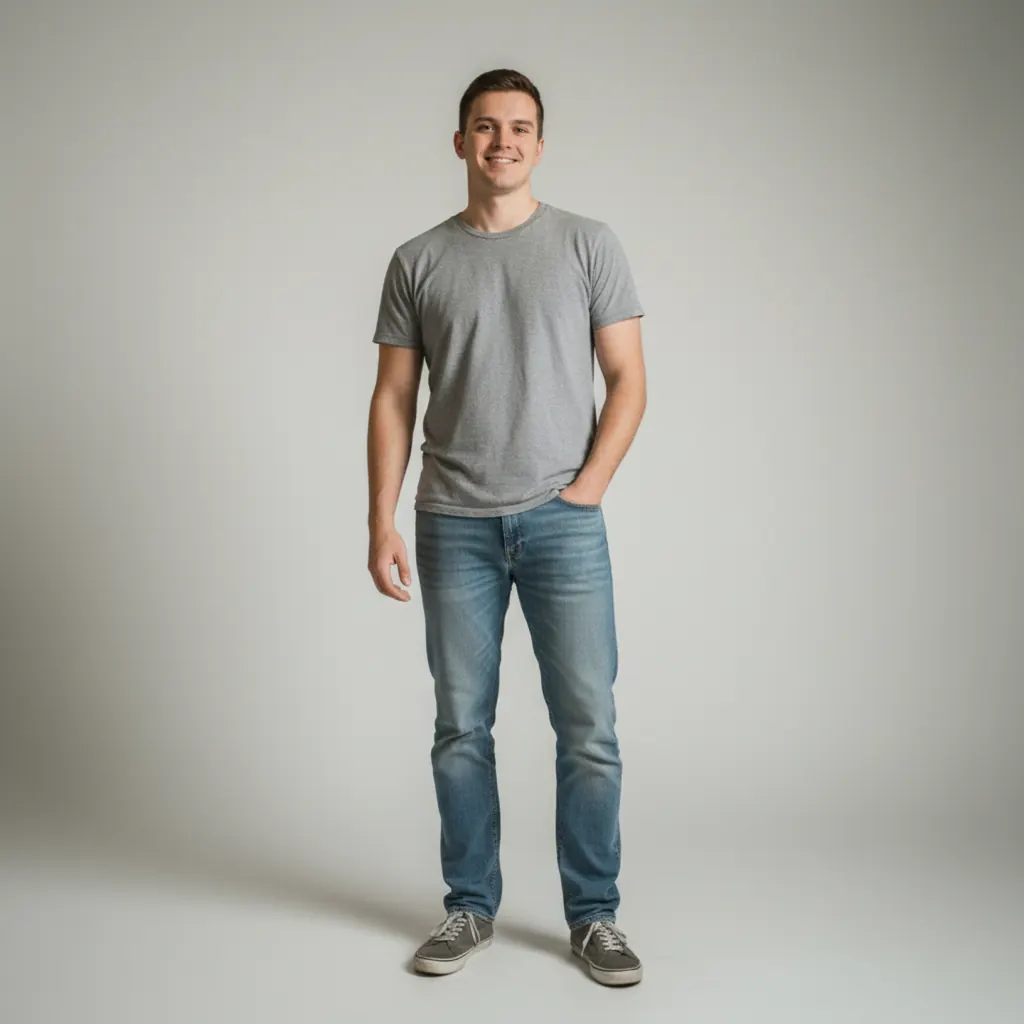
Real examples of free ai pose changer transformations
Before
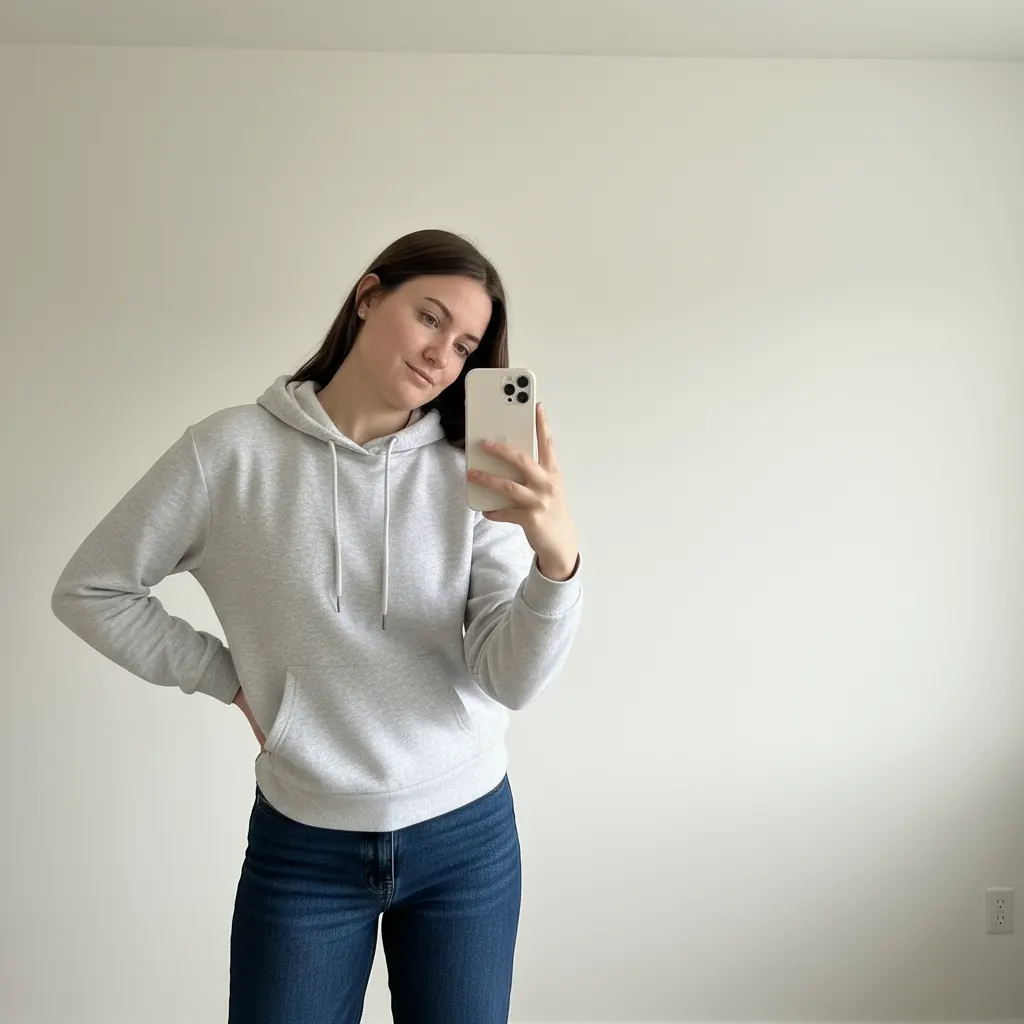
After
Before
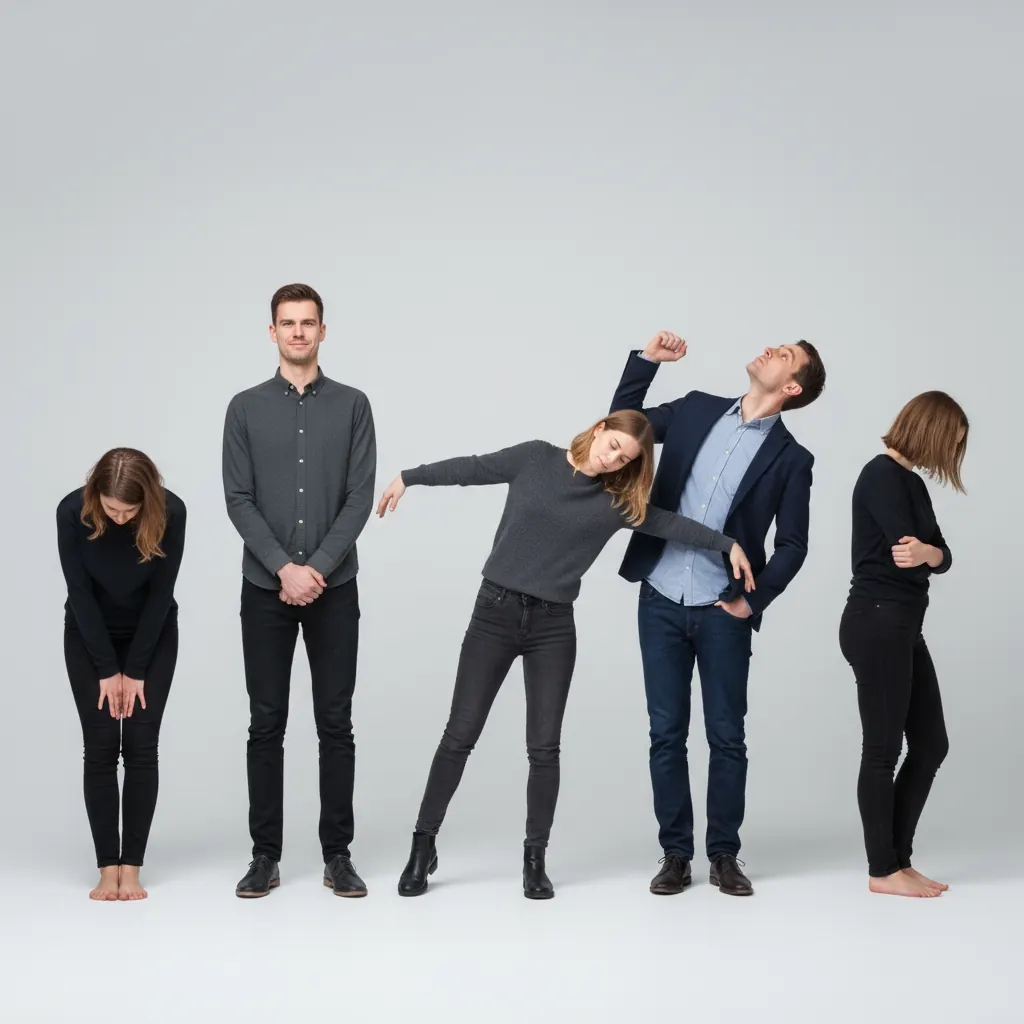
After
Before
After
Before
After
Frequently Asked Questions
Is the AI pose changer free to use?
Yes! Our AI pose changer is free to use online — no download and no subscription required. Create a free account and you get 30 credits, enough for 3 pose changes. Simply upload your photo, select a pose, and download your transformed image.
How do I change a pose in a photo online?
It's easy: upload your photo to our free online tool, browse the pose styles or type a custom pose, click Generate, review the result, and download it. No software installation is needed.
How does the AI Pose Changer work?
Choose a pose preset or enter a specific text prompt. The tool generates a revised image with the requested body position and is designed to keep the subject, clothing, and background recognizable when the movement allows it.
What types of photos are suitable for pose changing?
Use a clear, well-lit photo with one main person and keep the body area you want to change visible. Crowded group photos, heavy occlusion, cropped limbs, and extreme pose changes are less reliable.
How long does processing take?
Processing time varies with image complexity and service load. If a result stalls or looks distorted, retry with a clear single-person photo and a smaller pose change.