Family Photo Poses
Family poses that survive toddlers and tall uncles — the walking line, group hug, stair stack. Apply a pose to your own photo with AI or use the references on your shoot.
動作原理
私たちのAIは人体の姿勢を分析し、より魅力的なポーズに知的に変換し、再撮影なしで理想的な写真効果を実現します。
写真をアップロード
人物が含まれている任意の写真を選択してください。個人、カップル、またはグループ写真に対応しています。
AIポーズ分析
私たちのAIアルゴリズムが既存のポーズを分析し、より優雅な姿勢ソリューションを知的に生成します。
ポーズ変換
変換されたポーズの写真をダウンロードし、AIがもたらす驚異的な効果を体験してください。
魔法の効果を見る
family photo poses変換の実例
Before
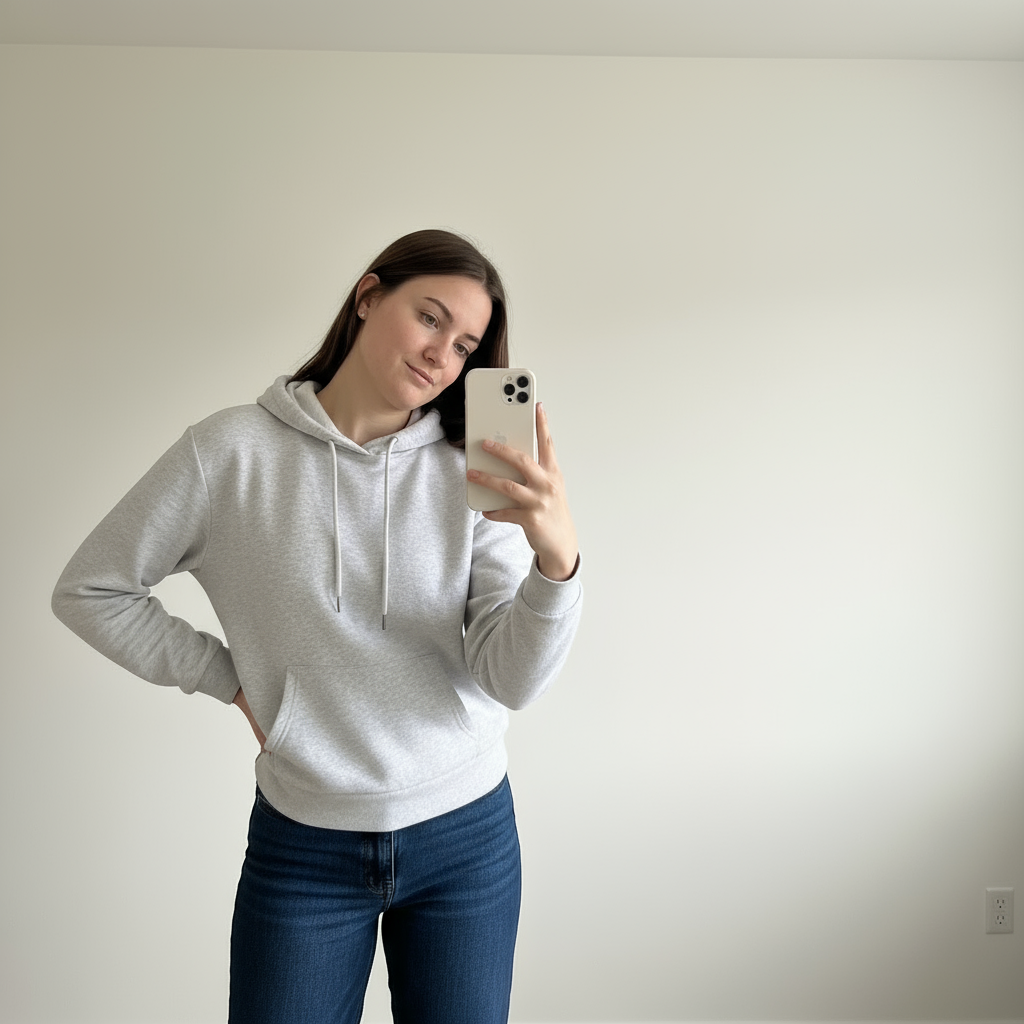
After
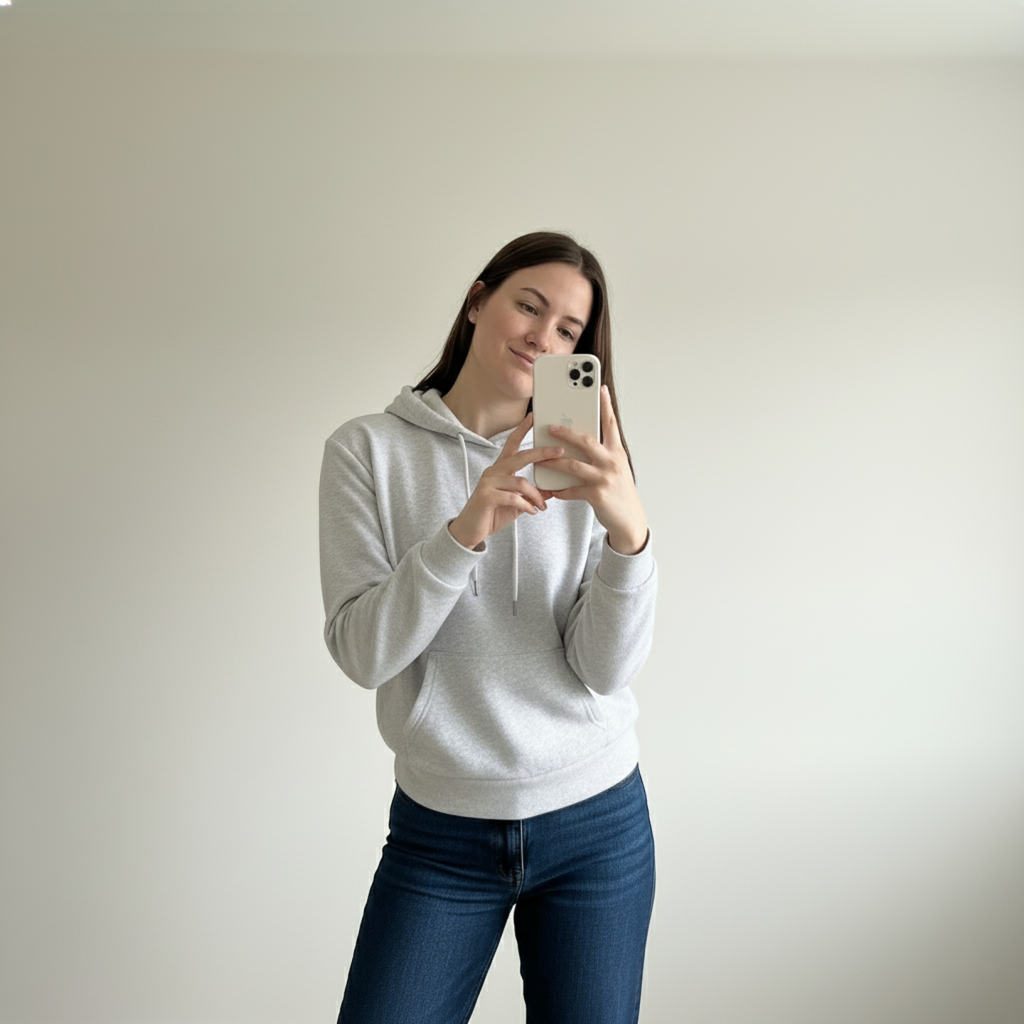
Before
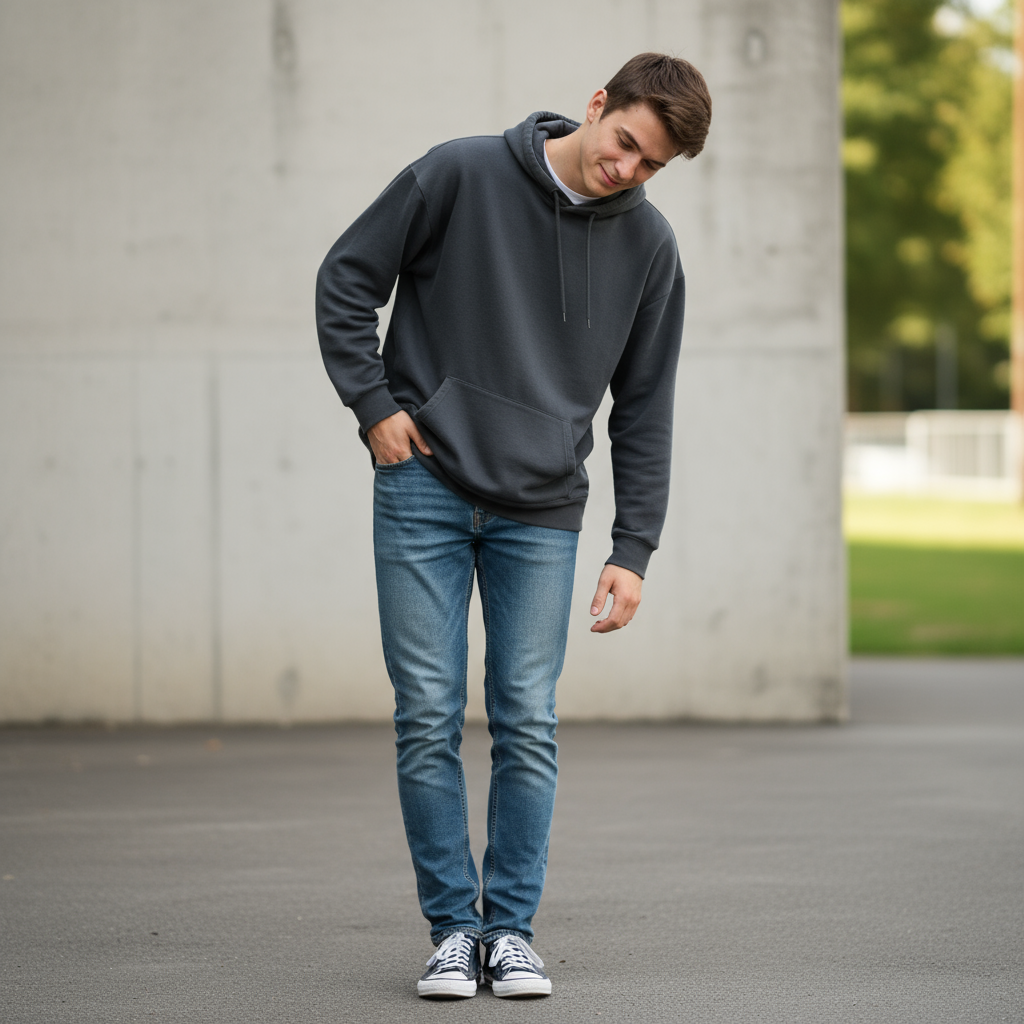
After
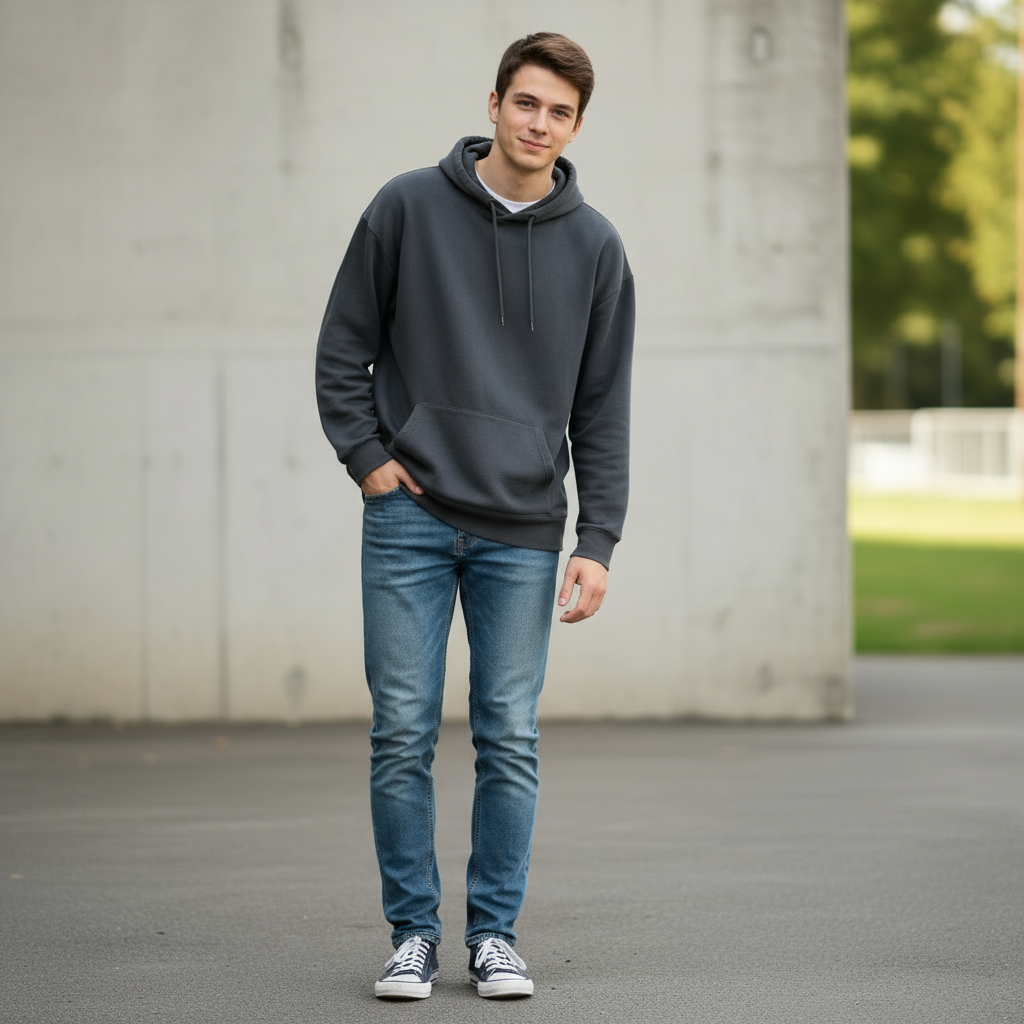
Before
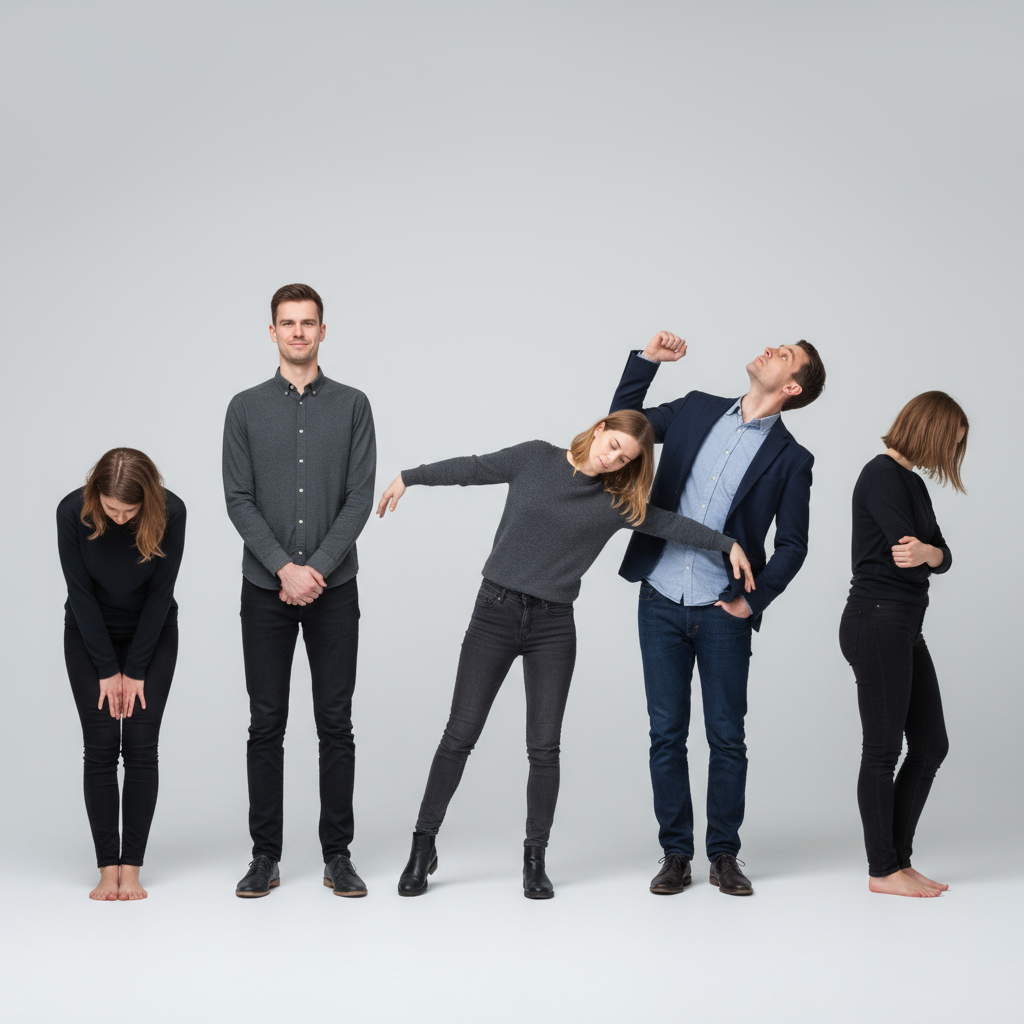
After
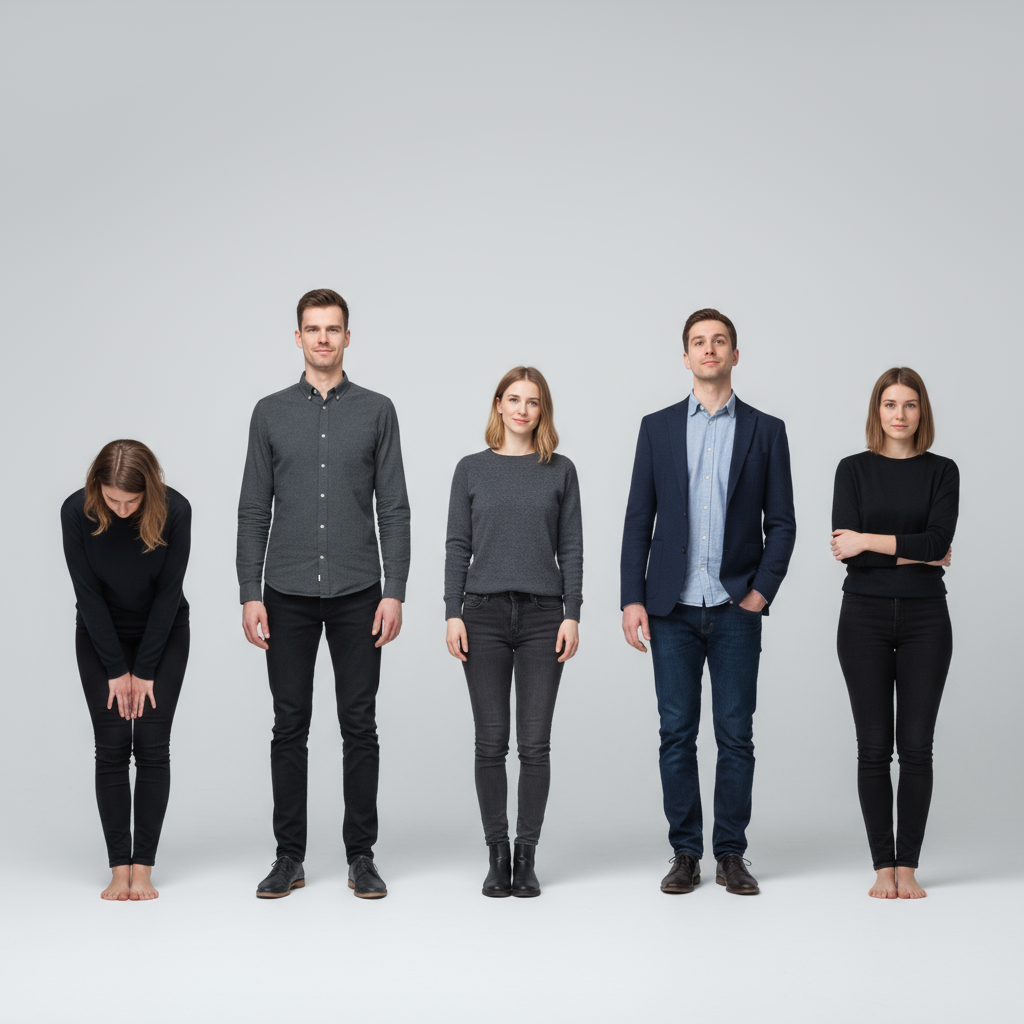
Before
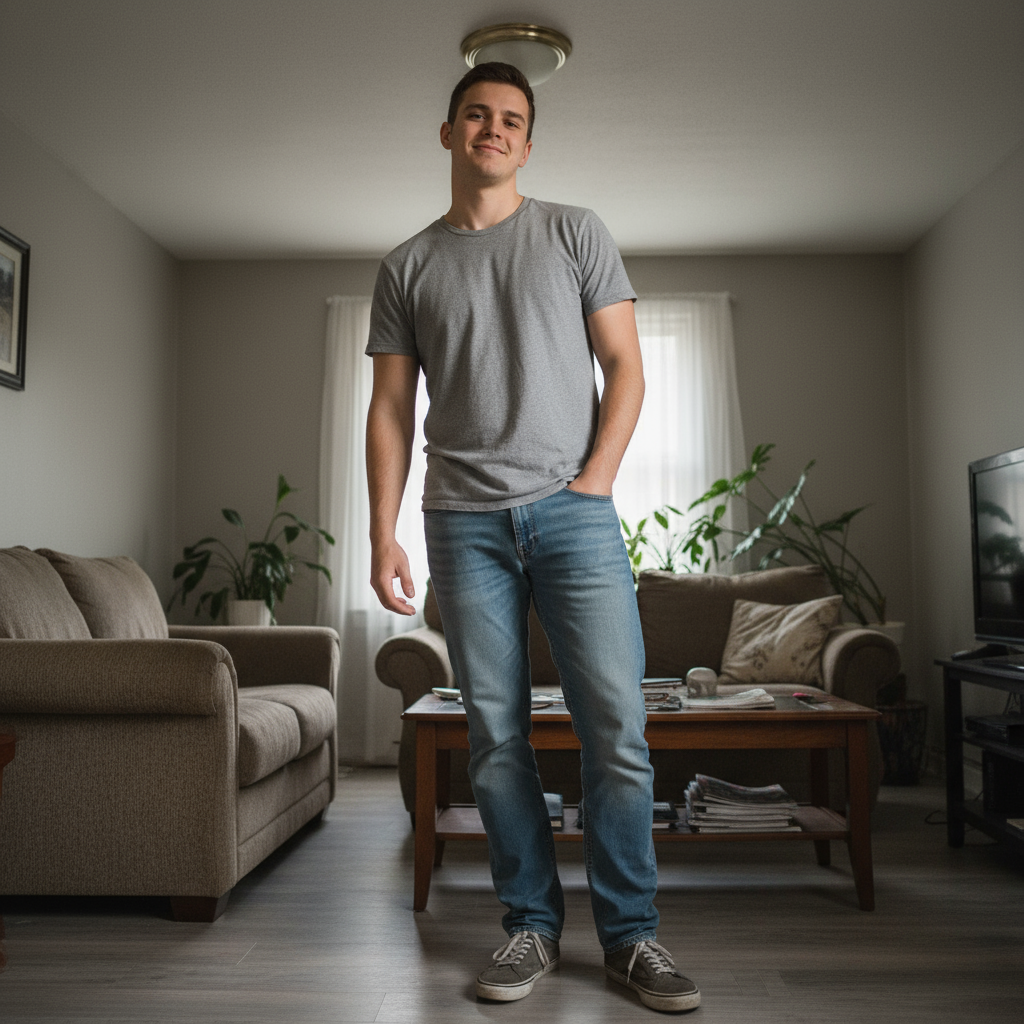
After

よくある質問
How do you pose a family of 4?
Build a diamond, not a line: parents' heads form the top two points, kids fill the lower two. Seated variations — parents on a bench, kids on laps or leaning in from behind — keep heads at varied heights, which always photographs better than one flat row.
What are natural family photo poses?
Movement first: the walking line holding hands, the group squeeze called as 'squish together as tight as you can', kids swinging between parents, and piggyback pairs. Prompted actions produce real laughs; 'everyone look here and smile' produces church-directory stiffness.
How do you pose a family of 5 or more?
Use triangles and staggered heights: stairs, a fallen log, or some standing/some seated. Keep everyone's shoulders angled toward the group's center and connect each person to a neighbor with a touch point so nobody floats at the edge of the frame.
Can AI apply a family pose to our photo?
PoseUp's AI pose tool works best on single-subject and couple photos today; for families, use the reference poses to direct your shoot, and try the AI on individual portraits from the same session.