Family Photo Poses
Family poses that survive toddlers and tall uncles — the walking line, group hug, stair stack. Apply a pose to your own photo with AI or use the references on your shoot.
工作原理
我们的AI分析人体姿态并智能转换为更具吸引力的姿势,无需重新拍摄即可获得理想的拍照效果。
上传照片
选择任何包含人物的照片。支持单人、双人或多人合影。
AI姿势分析
我们的AI算法分析现有姿势,并智能生成更优美的姿态方案。
姿势转换
下载姿势改变后的照片,体验AI带来的惊艳效果。
见证神奇效果
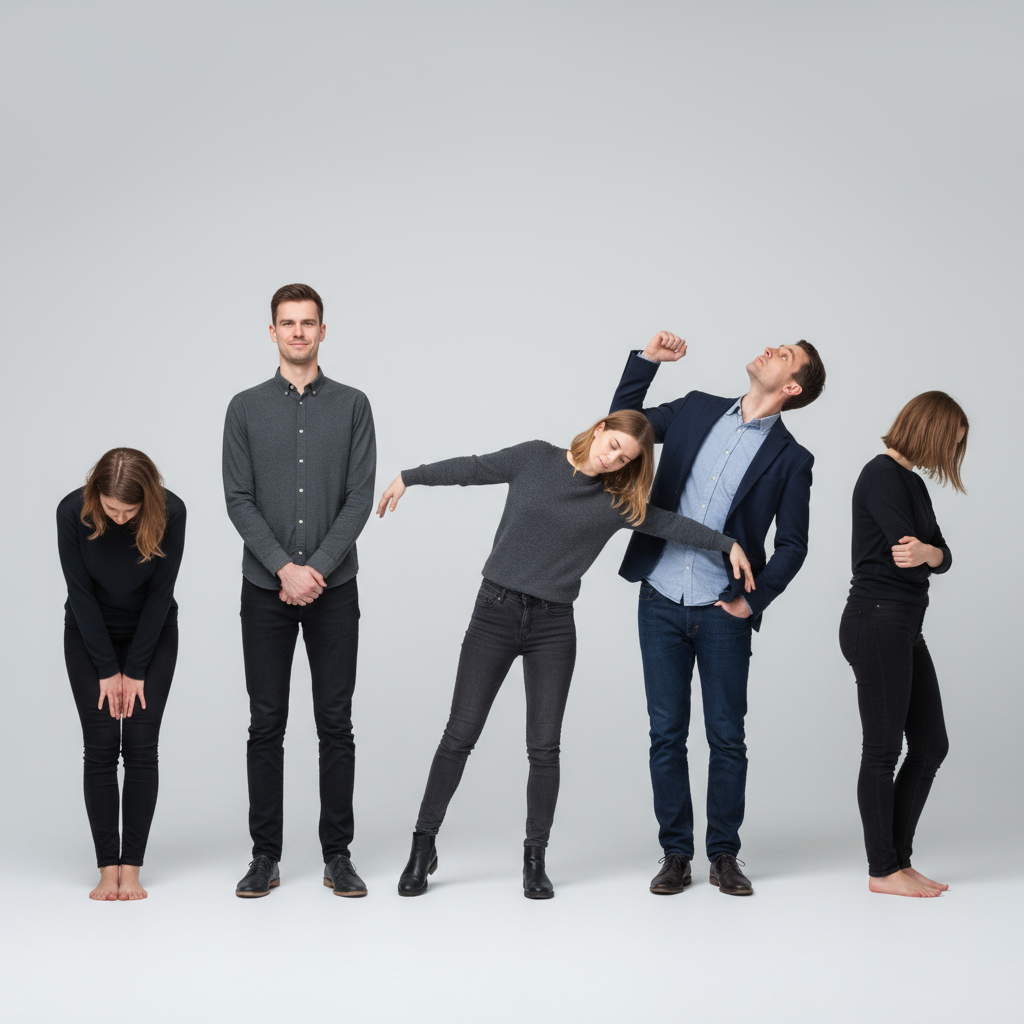
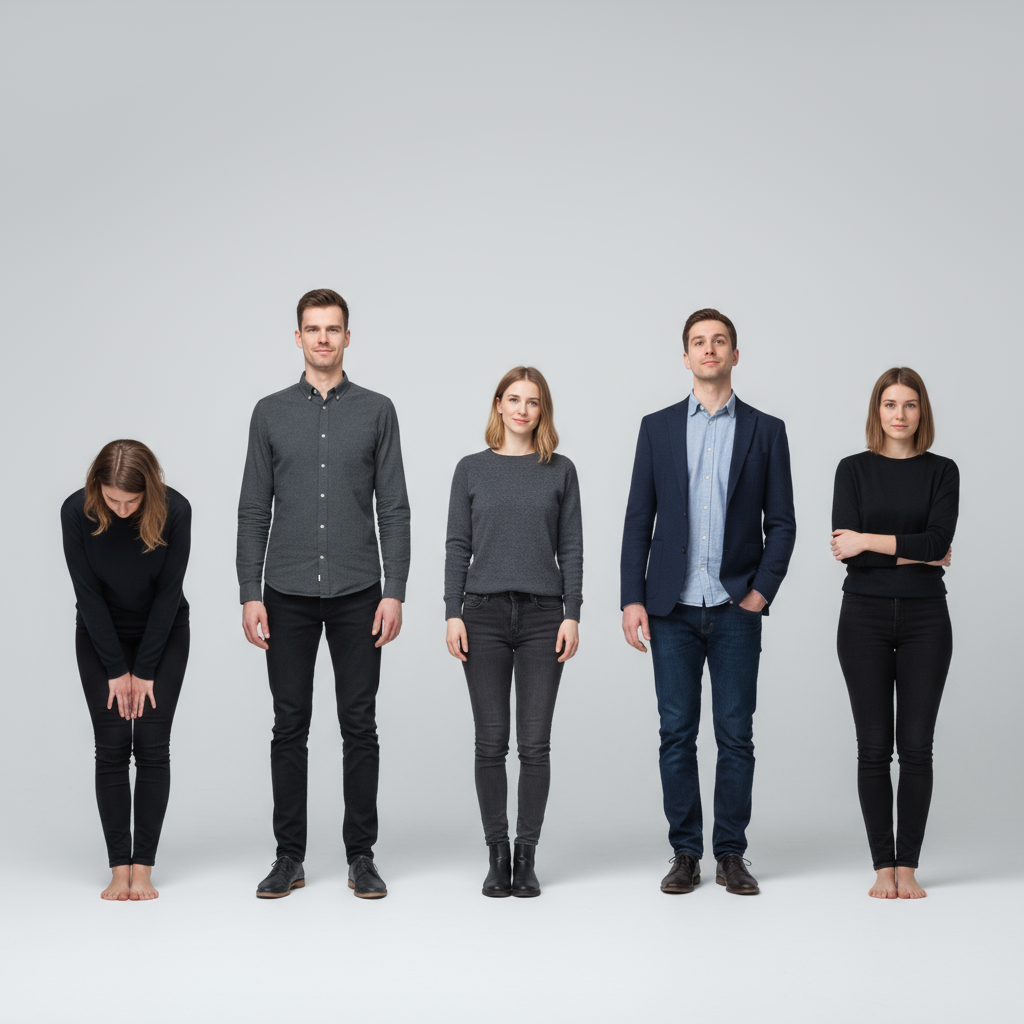
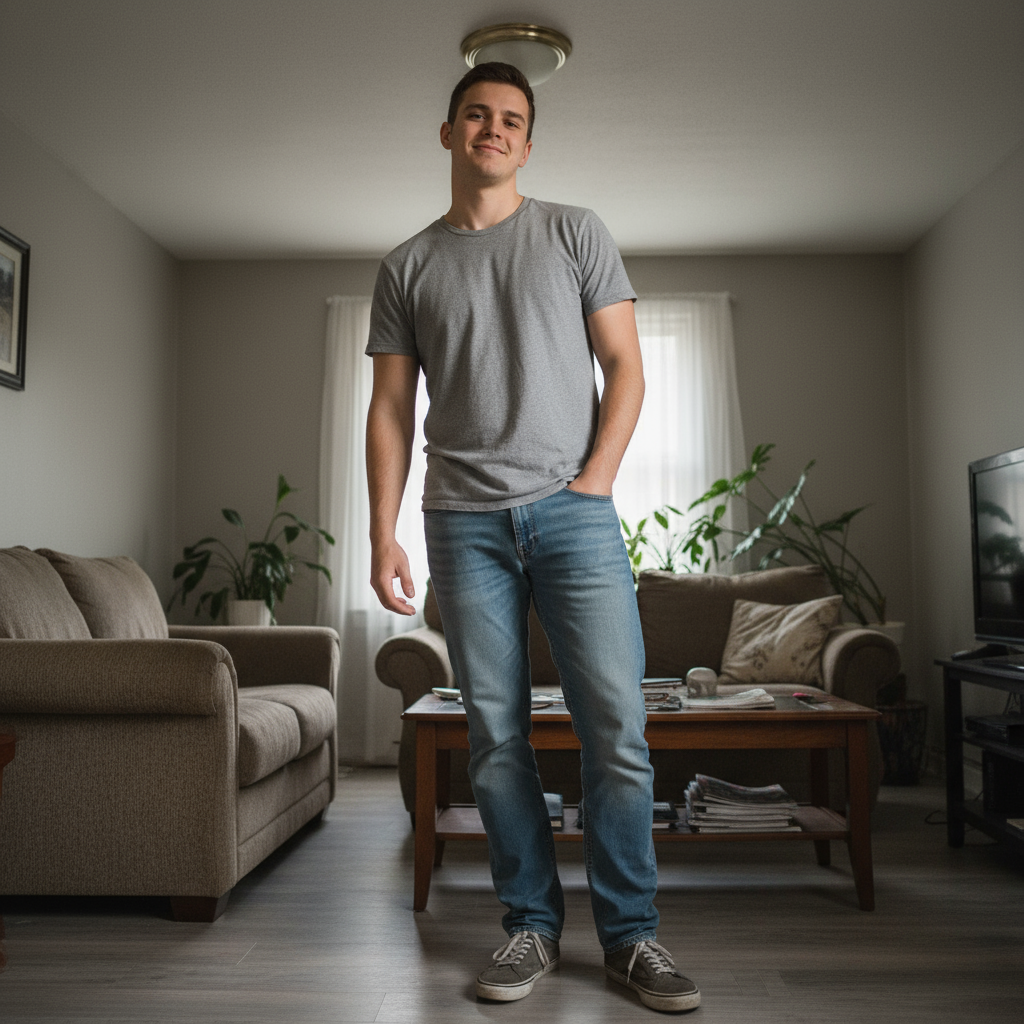
family photo poses转换的真实示例
Before
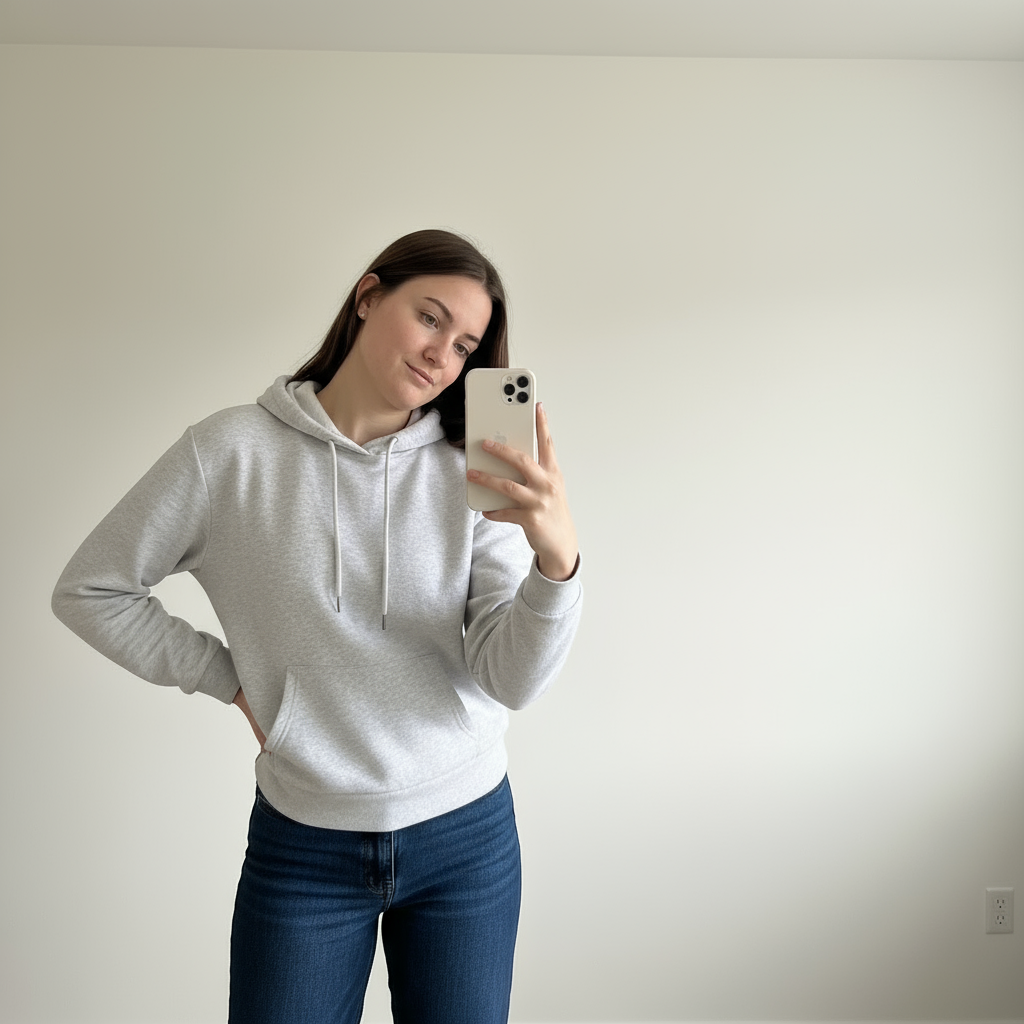
After
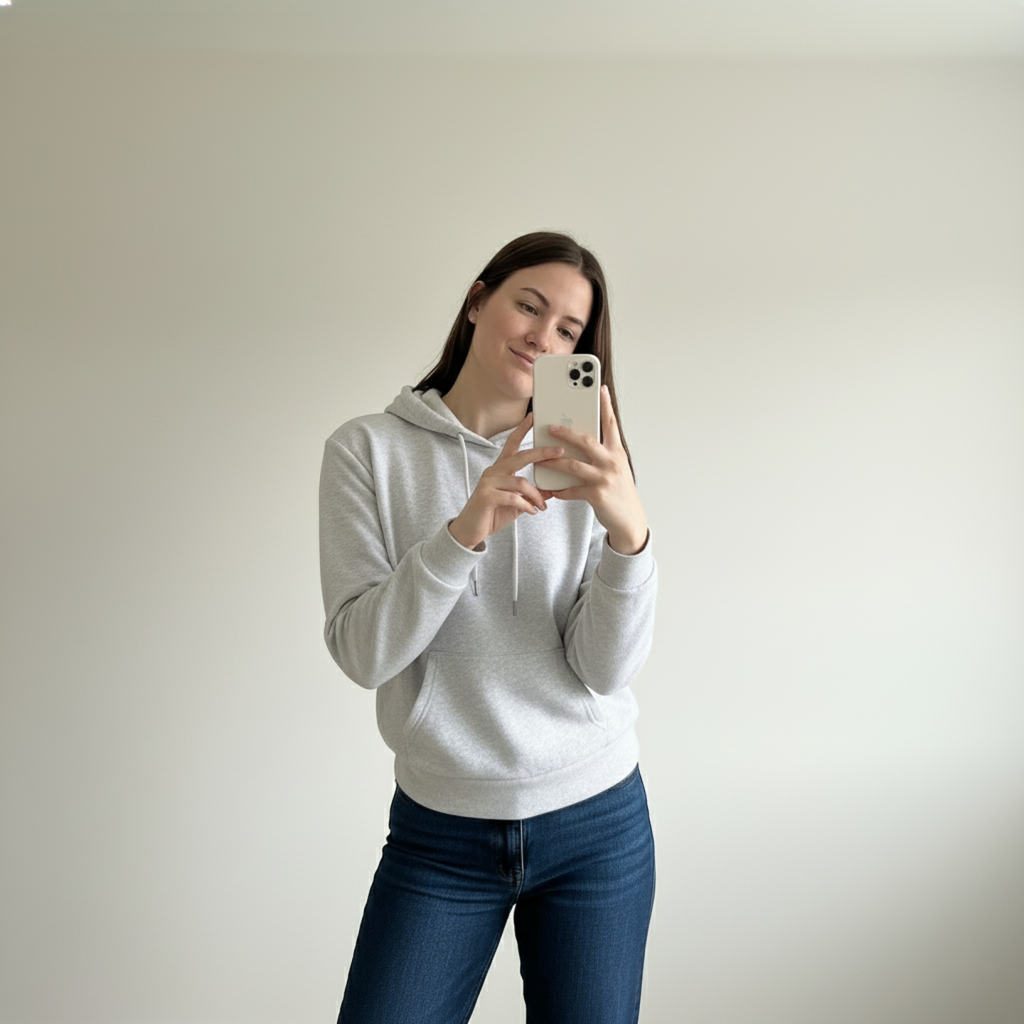
Before
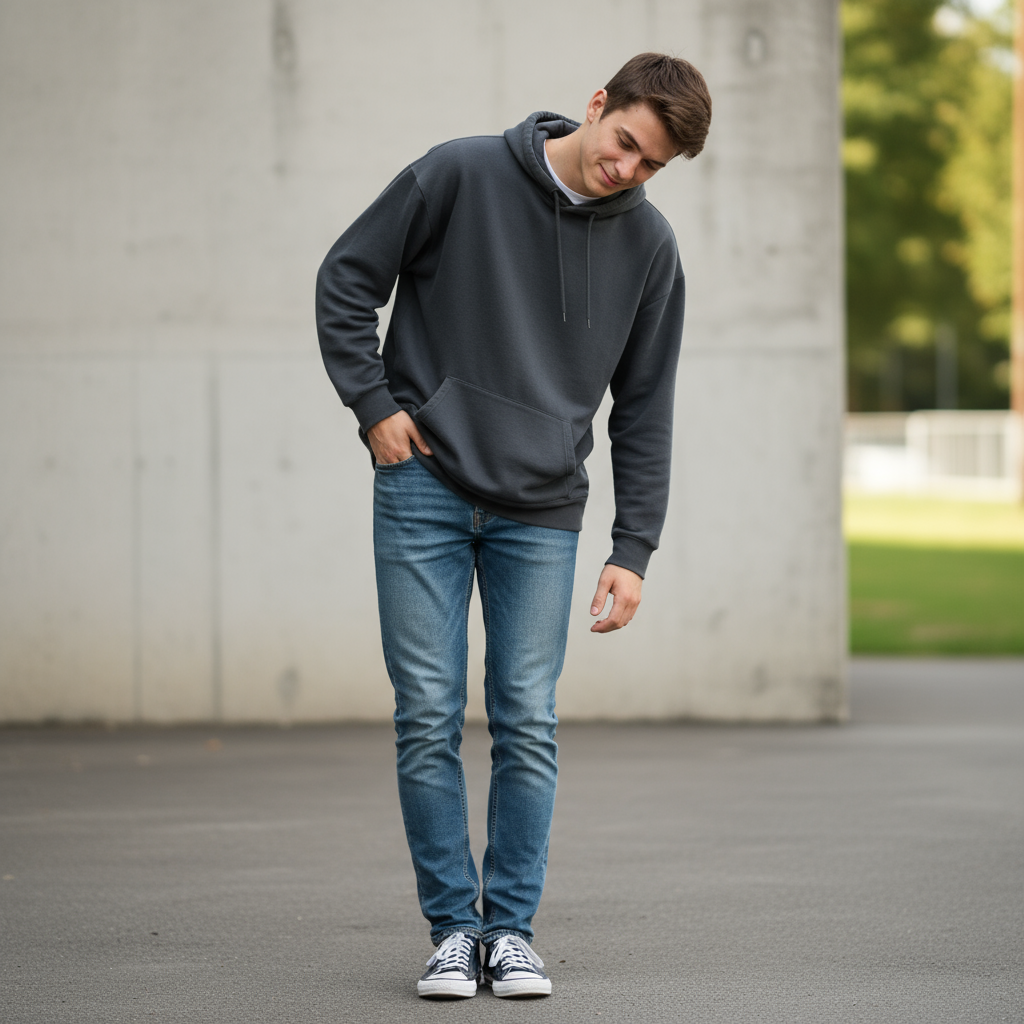
After
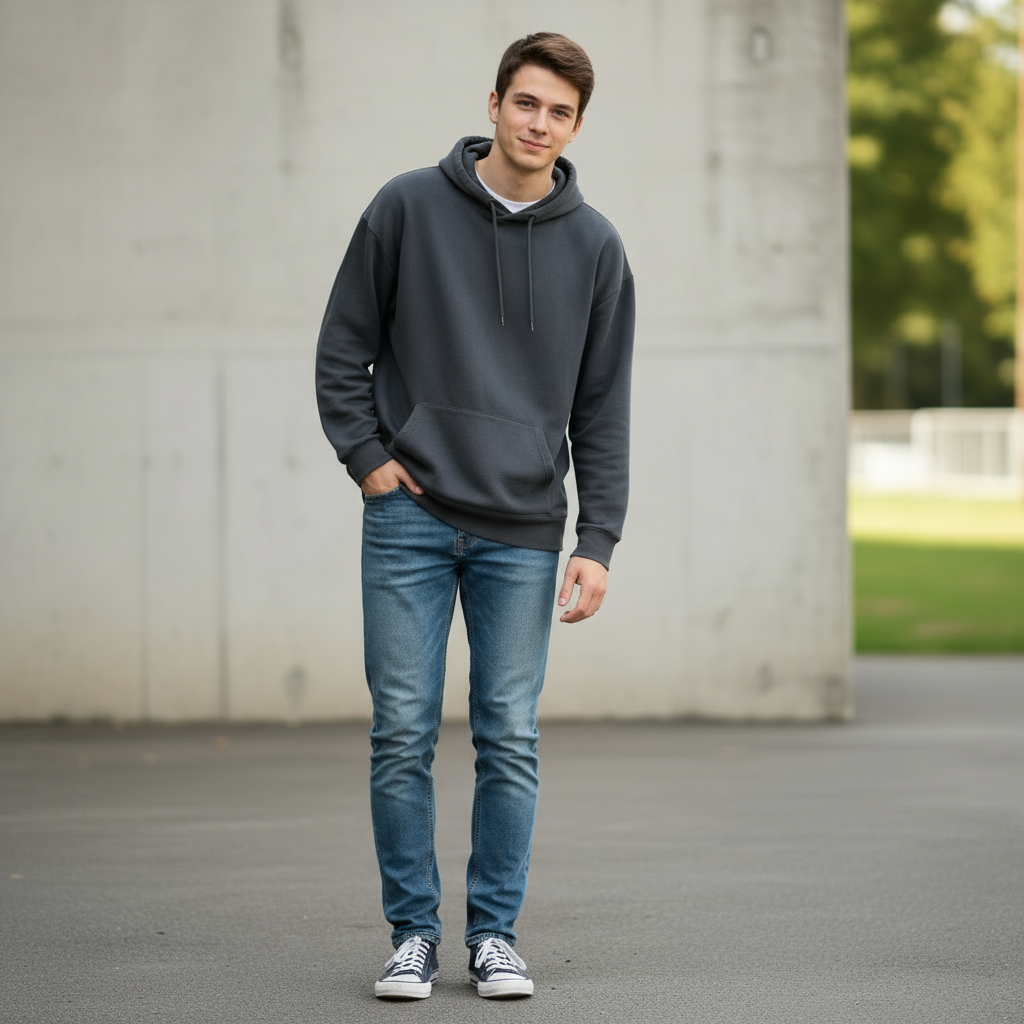
Before
After
Before
After

常见问题
How do you pose a family of 4?
Build a diamond, not a line: parents' heads form the top two points, kids fill the lower two. Seated variations — parents on a bench, kids on laps or leaning in from behind — keep heads at varied heights, which always photographs better than one flat row.
What are natural family photo poses?
Movement first: the walking line holding hands, the group squeeze called as 'squish together as tight as you can', kids swinging between parents, and piggyback pairs. Prompted actions produce real laughs; 'everyone look here and smile' produces church-directory stiffness.
How do you pose a family of 5 or more?
Use triangles and staggered heights: stairs, a fallen log, or some standing/some seated. Keep everyone's shoulders angled toward the group's center and connect each person to a neighbor with a touch point so nobody floats at the edge of the frame.
Can AI apply a family pose to our photo?
PoseUp's AI pose tool works best on single-subject and couple photos today; for families, use the reference poses to direct your shoot, and try the AI on individual portraits from the same session.